
Worker Essentials
2 tutorials1
Recording your first shift
2
Requesting a correction
Task-focused video tutorials with captions, transcripts, version awareness, and a built-in checklist — so you know you actually learned the task, not just watched a video.
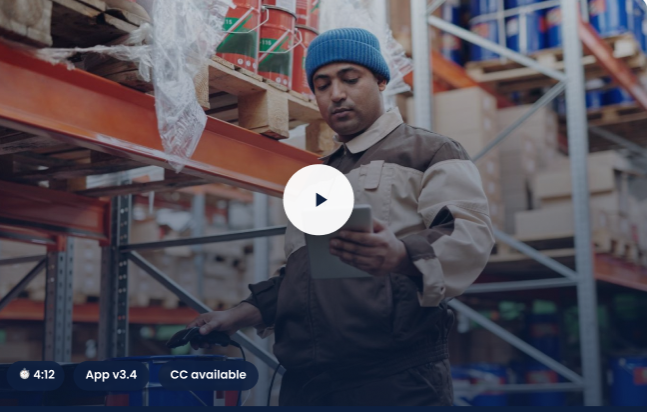
Every tutorial ships with captions, a full transcript, keyboard-navigable chapters, and demo data that never contains real worker information.

Every tutorial page includes a chaptered player, full transcript, applicability panel, version and currency metadata, and a verification checklist — so you can confirm you actually learned the task.
Verification checklist: confirms you can open a record, request context, and locate the logged decision — not just that you watched the video.
Closed captions ship with every video by default — never an optional add-on requested after the fact.
A full text transcript is available on every tutorial page and downloadable for offline reading or translation tools.
Chapters, playback, and the verification checklist are all operable without a pointer device.
No auto-playing video or audio on page load — playback always starts from a deliberate action.
Layout and controls remain usable at 200% browser zoom without loss of content or function.
Chapter lists, verification items, and metadata panels use semantic markup with accessible labels.
Every tutorial states the exact product version it was recorded against, and a last-updated date — so you know if it still matches what you're using.
All on-screen data is synthetic. No tutorial ever shows real worker names, records, or organization data.
Tutorials teach a task; they don't replace canonical documentation or serve as a webinar archive or marketing gallery.
Outdated tutorials are retired or re-recorded — not left live with a stale version badge.
Search by keyword, browse by role, or talk to a specialist directly.